Live 360 World Cam
Real-time AI backgrounds that move with your phone, so your world feels locked in while you film.

Lana AI lets you film in real time with AI-generated 360 worlds as your background. Front or back camera, live preview, and shareable skyboxes your friends can use too.

Works on iPhone & iPad / Portrait & landscape video
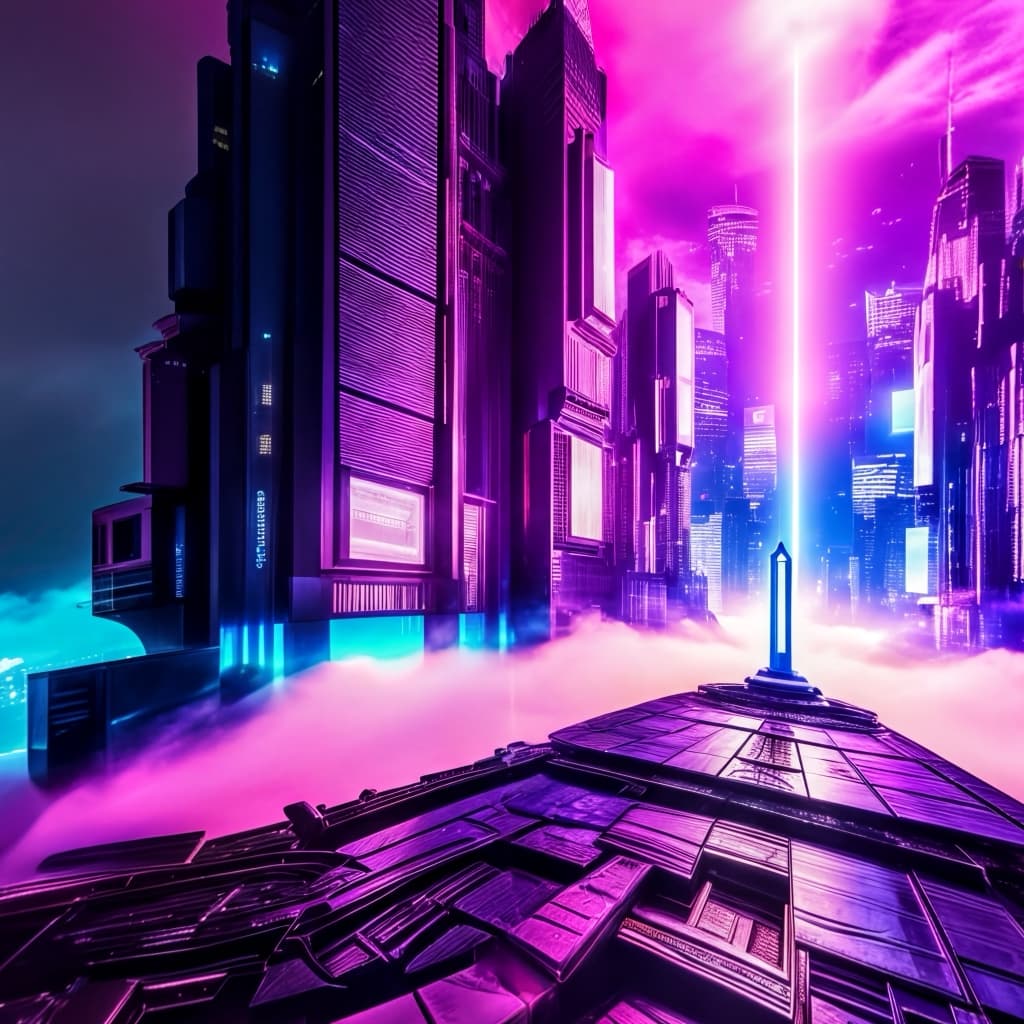 Neon City
 Tropical Beach
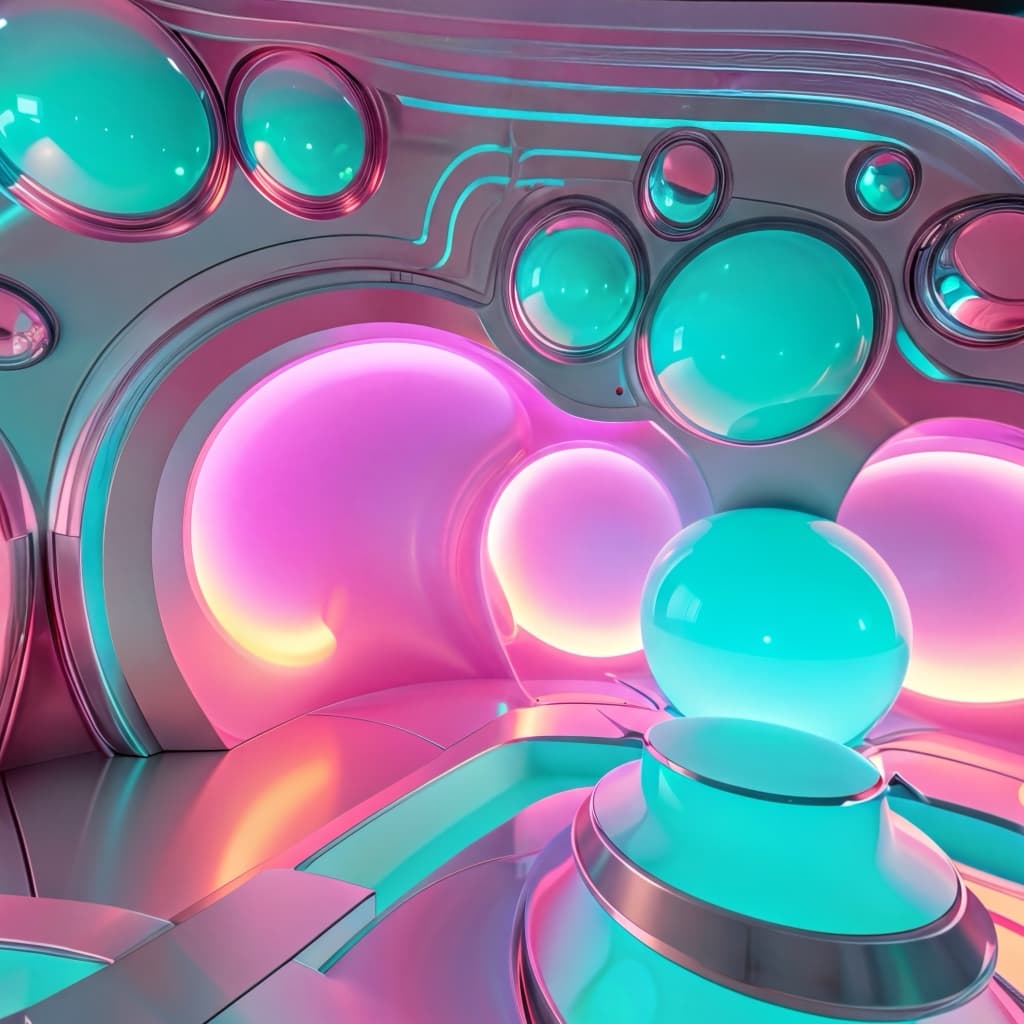 Retro Aesthetic
Features
Lana AI opens straight into an AI-generated 360 world, so you can record live inside scenes that match your vibe. No edits, no timelines, no green screen setup.
Real-time AI backgrounds that move with your phone, so your world feels locked in while you film.
Type a vibe, scene, or whole fantasy and Lana builds a 360 skybox you can record in seconds.
No green screen, no timeline, no editing workflow. Open the app, pick a world, hit record.
Capture selfies, videos, and vertical content that feels made for TikTok, Reels, and Shorts.
Save favorite worlds, build packs around aesthetics like neon, beach, cozy, or horror, and reuse them anytime.
Switch from cyberpunk streets to dreamy cloud castles without leaving your room or hunting for a location.
Prompt Ideas
Describe the environment you want, and Lana turns it into a high-definition skybox you can step into right away.
How It Works
Open Lana AI and grant camera access.
Pick a pre-made world or prompt your own.
Move your phone to explore the 360 space.
Hit record and capture the shot live.
Export to TikTok, Reels, Shorts, or Camera Roll.
Why Creators Love It
Film POVs from neon streets, alien beaches, vaporwave arcades, or cloud castles.
Turn everyday spaces into sci-fi sets, horror corridors, or aesthetic cafes.
Build trend-ready visuals that feel way more expensive than your setup actually is.
FAQ
Learn how Lana AI works, how AI skyboxes and 360 worlds look on camera, and why creators use it for TikToks, Reels, selfies, and short-form video.
Lana AI is a real-time AI camera app for iPhone and iPad that lets you record selfies, videos, and content inside AI-generated 360 worlds. Instead of filming in the same room every time, you can step into custom skyboxes, cinematic scenes, and immersive backgrounds that match your vibe.
Lana AI uses generative AI and skybox technology to build a full 360-degree environment around you. The world responds to your phone movement, so the background feels spatial and immersive rather than like a flat filter or static wallpaper.
Yes. Lana AI is designed for creators making vertical videos, selfies, POV clips, and short-form content for TikTok, Instagram Reels, and YouTube Shorts. It helps you create standout visuals quickly without a studio setup.
No. Lana AI is built for one-tap immersion, so you do not need a green screen, editing timeline, or complex post-production workflow. Open the app, choose a world, and record directly inside it.
Yes. Lana AI includes a Prompt-to-World flow that lets you describe a scene in plain language and turn it into a custom 360 skybox. You can create worlds for cozy, futuristic, dreamy, horror, sci-fi, beach, neon, or surreal aesthetics.
Yes. You can keep favorite worlds, organize them into packs, and reuse them across multiple videos, trends, and creative concepts. That makes Lana AI useful both for one-off posts and repeatable content formats.
Yes. Lana AI is available for iPhone and iPad and supports both portrait and landscape video capture. The app is built for mobile creators who want fast recording and instant visual variety.
Most filters change your face or add lightweight effects. Lana AI is focused on full-scene world creation. It turns your camera into a live 360 AI environment, so your content feels more like a cinematic location shift than a simple overlay.
Download Lana AI on the App Store.